
An AI CRM that acts only when you ask
An AI CRM is customer relationship management software with AI built in, so it can draft emails, summarize records, and fill in details for you. honestcrm is a small business CRM whose AI writes the draft when you click a button. You review it, then send, save, or discard it.
What the AI does in honestcrm
Each AI feature is a button that names its action. Nothing runs until you click it. The table below lists every button.
| Button | Where it appears | What it does |
|---|---|---|
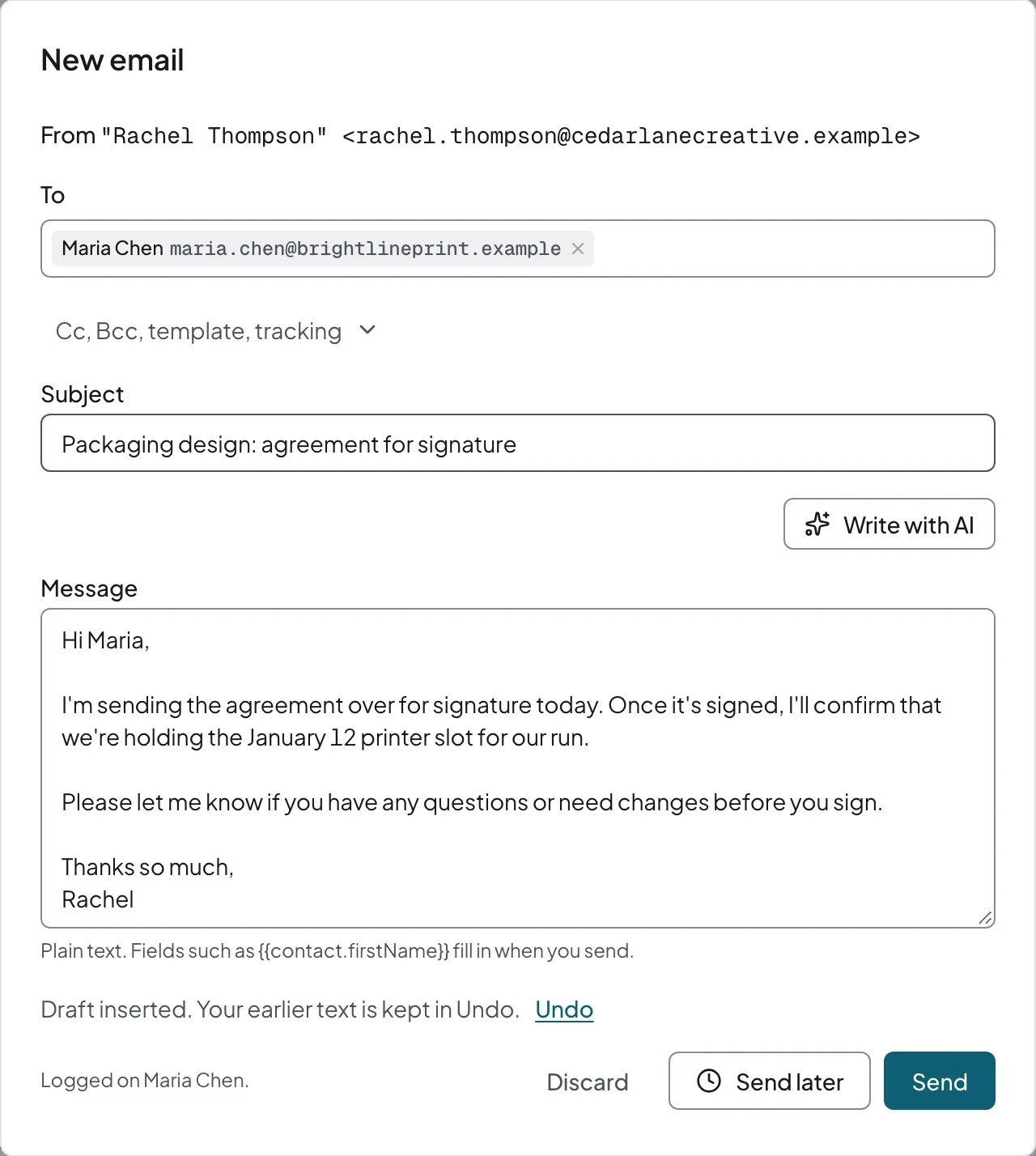
| Write with AI | Compose window | Write an email from a short instruction, change its tone, shorten it, or fix grammar and spelling. |
| Reply with AI | Compose window, contact page | Draft a reply from the last 3 to 5 logged emails with that one contact. The compose window shows which emails it used, and you can remove them. |
| Clean up notes | Call logging, deal page | Turn call notes into a clean note and suggested follow-up tasks with due dates. |
| Summarize | Deal page, contact page | Summarize a deal or a contact from its notes, emails, and tasks. |
| Fill from text | New contact | Fill contact fields from pasted text, such as an email signature. |
| Describe a rule | Automation rule editor | Describe an automation in plain English and get a draft rule to review. |
| Suggest mapping | Import | Suggest a column mapping for an imported spreadsheet. It does not use AI requests. |
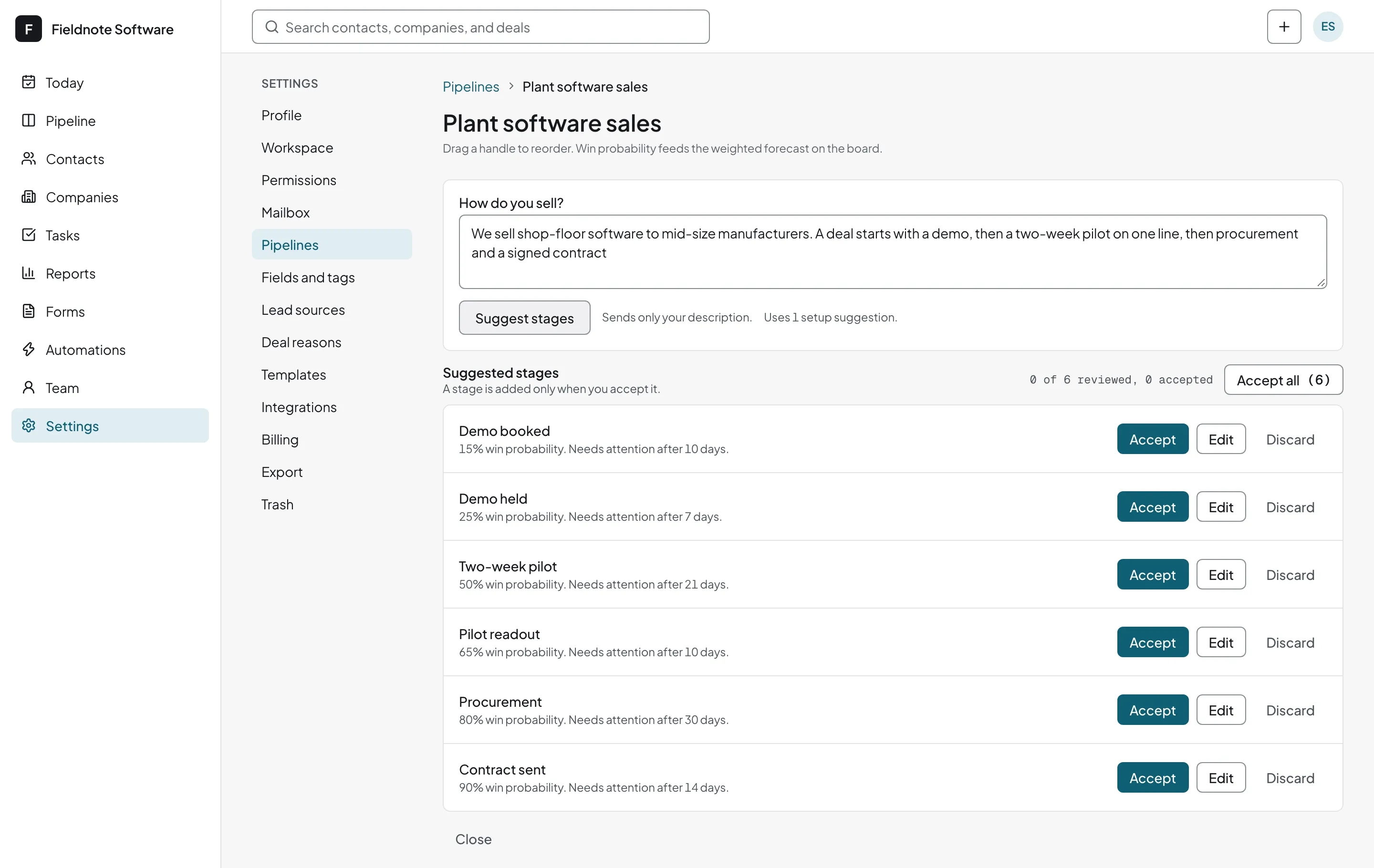
| Draft stages | Onboarding, pipeline settings | Draft pipeline stages from a description of your sales process. It does not use AI requests. |
Agentic CRM: AI agents work in your CRM too
The buttons are one way to use AI. The other is an agentic CRM: an AI agent such as Claude Code or Cursor connects to honestcrm through the CRM MCP server. You create an agent key in Settings, add it to the agent, and ask in plain language. The agent acts as you, with your permissions.
- Your agent can search, create, and update contacts, companies, deals, and tasks, add notes, and log calls.
- There are 18 tools and 5 prompts for common work, such as a weekly pipeline review or a brief before a meeting.
- The console shows each change as "Priya's agent: Claude Code", so your team can tell agent edits from yours.
- Agent access is on Free and Pro, and you can revoke a key at any time.
You stay in control
- The AI writes the email, the summary, or the follow-up tasks. You review and edit before anything is sent or saved.
- It reads only what the button you click needs, not your whole mailbox.
The same buttons on Free and Pro
- Every plan includes AI usage. You do not pay extra to turn it on.
- Import mapping and pipeline stage suggestions do not use AI requests.
- Everyone in the company uses the same AI buttons, with unlimited users.