
Customer database software
A customer database your team keeps current
Customer database software goes stale when updating it is a chore. In honestcrm each record collects emails, calls, and notes as your team logs them. Every user on the Free plan sees the same records. For the model behind it, read the CRM database guide.
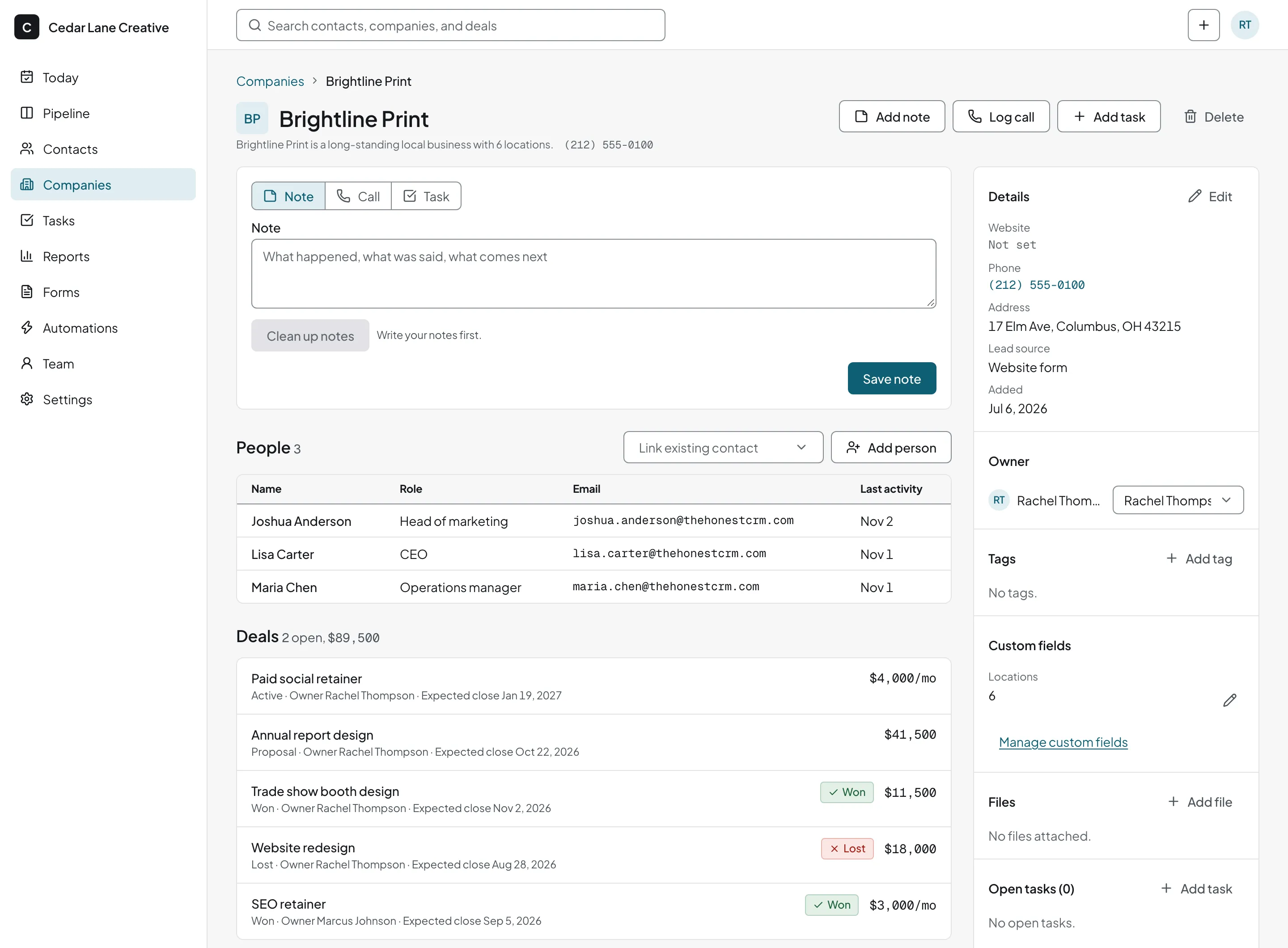
Why a shared sheet turns into a mess
One customer, entered by four people, becomes four rows. Nobody knows which one has the right phone number. A report counts the same company four times.
honestcrm links people to one company record and flags likely duplicates, so you merge them into one and keep the history from both.
Four rows, one customer
- Acme
- Acme Inc.
- ACME Corp
- Acme (Dana)
Flagged as likely duplicates when you import.
Client tracking that stores what your business needs to know
Companies and people
Open a company to see everyone you know there.
Your own fields
Add custom fields and tags for the details only you track.
A timeline on each record
Emails, calls, notes, and tasks, in the order they happened.
A known source
Each contact records where it came from, from a list you edit.
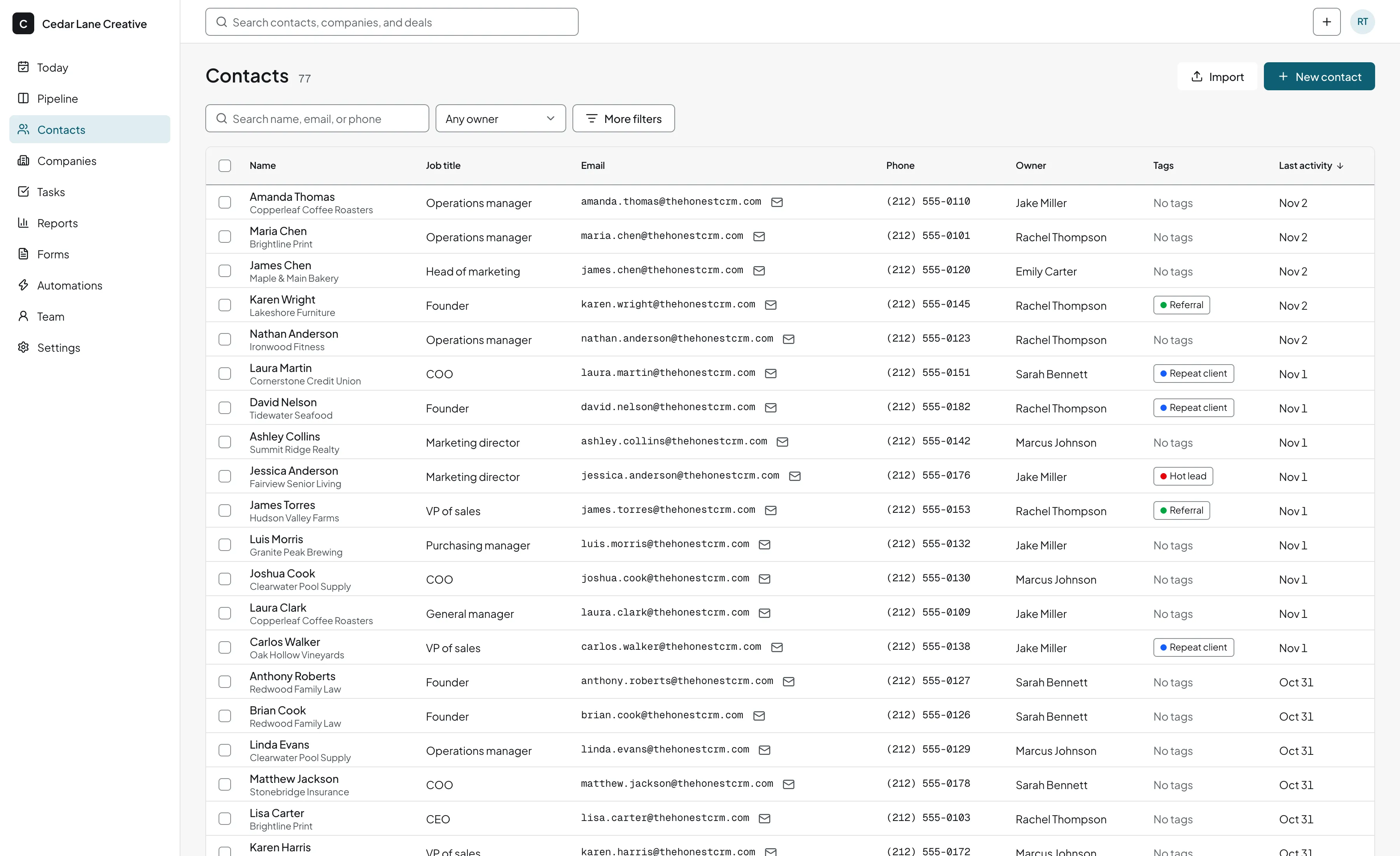
Bring your data in, take it out any time
Bring your existing customer list from CSV, Excel, Google Sheets, or a Pipedrive, HubSpot, or Less Annoying CRM export. Likely duplicates are flagged before they are saved.
Related guides
- Google Sheets CRM template
Start the list in a sheet and see when it breaks.
- Airtable CRM
Moving a base of customers, and what editors cost.
- Notion CRM
When a shared Notion list stops being a customer database.
Customer database questions
What is customer database software?
It is software that stores your customers and prospects in one searchable place, with the details you track about each one. A CRM is customer database software that also records conversations, deals, and follow-up tasks.
Why not keep the database in a spreadsheet?
A spreadsheet works until several people edit it. Then you get duplicate rows, columns that mean different things to different people, and no record of who contacted whom. A shared database with linked companies, merge tools, and a timeline avoids those problems.
Can I add my own fields?
Yes. Custom fields hold whatever you track, such as account type or customer since, and tags group contacts for later. Lead source is built in, with a list you edit.
Can I get all my data out?
Yes. One click exports your customer, company, deal, note, and task records to CSV and JSON.