
Guide
Cloud-based CRM: what it is and how to choose one
A cloud-based CRM is customer relationship management software that runs on the vendor's servers. You open it in a browser or app, and you pay a subscription instead of installing and maintaining it. The vendor handles updates, backups, and hosting. On-premise software puts those jobs on your own staff and servers.honestcrm is a cloud CRM built for small business.
What cloud-based CRM software does
A CRM stores the people and companies you sell to, the deals you are working on, and the history of your contact with them. In a cloud-based CRM, that data lives on the vendor's servers. Your team signs in from any device with an internet connection and sees the same records.
You may also see the terms cloud CRM, web-based CRM, online CRM, and software as a service (SaaS) CRM. They describe the same delivery model. The vendor hosts the software, and you rent access to it.
Cloud-based vs on-premise CRM
| Cloud-based | On-premise | |
|---|---|---|
| Where it runs | Vendor's servers | Your own servers |
| Setup | Sign up and sign in | Install and configure |
| Updates and backups | The vendor handles them | Your IT staff handle them |
| Pricing | Subscription | License plus hardware and staff time |
| Control over data location | Set by the vendor | Set by you |
On-premise software can make sense when a rule requires you to keep data on your own hardware. For most small businesses, the cloud model avoids buying servers and hiring someone to run them.
Benefits of a cloud-based CRM
- Fast to start. You can sign up and import a list the same day.
- Access from anywhere. Field staff and office staff see the same contact history.
- No server work. The vendor applies updates and runs backups.
- Predictable cost. You pay a subscription instead of a large first purchase.
There are trade-offs. You depend on the vendor and on an internet connection, and your data sits on someone else's servers. That is why export matters (see the questions to ask below).
What a cloud-based CRM costs
Prices vary by vendor. The three common models are:
- Per user. You pay for each person who signs in. The bill grows as your team grows.
- Flat price for the company. You pay one price no matter how many people use it.
- Free tier. The vendor offers a plan with fewer features or records at no cost, with paid plans for more records or features.
Check the limits that matter to you, such as the number of contacts, and ask which features cost extra. To compare real totals for your team size, use the CRM cost calculator, or read the honestcrm pricing.
How to choose a cloud-based CRM platform
- Write down your process. List how a lead becomes a customer. A sales pipeline view fits most teams.
- Count your records and users. Know how many contacts you have and who needs access.
- Check the total cost. Include extra users, add-ons, and the plan you will need next year.
- Test the import. Load a sample of your own data. See the CRM database guide for how to prepare it.
- Confirm you can export. You should be able to take all your data with you at any time.
- Check email fit. Find out how the CRM logs messages from your mailbox.
- Try it with your team. Have the people who will use it daily test it before you commit.
If you want a shortlist by business type, see agency CRM, CRM for startups, and construction CRM.
One example: honestcrm
honestcrm is a cloud CRM. The Free plan has unlimited users. Pro costs $39 a month or $299 a year for the whole company.
- Import from CSV, Excel, and Google Sheets
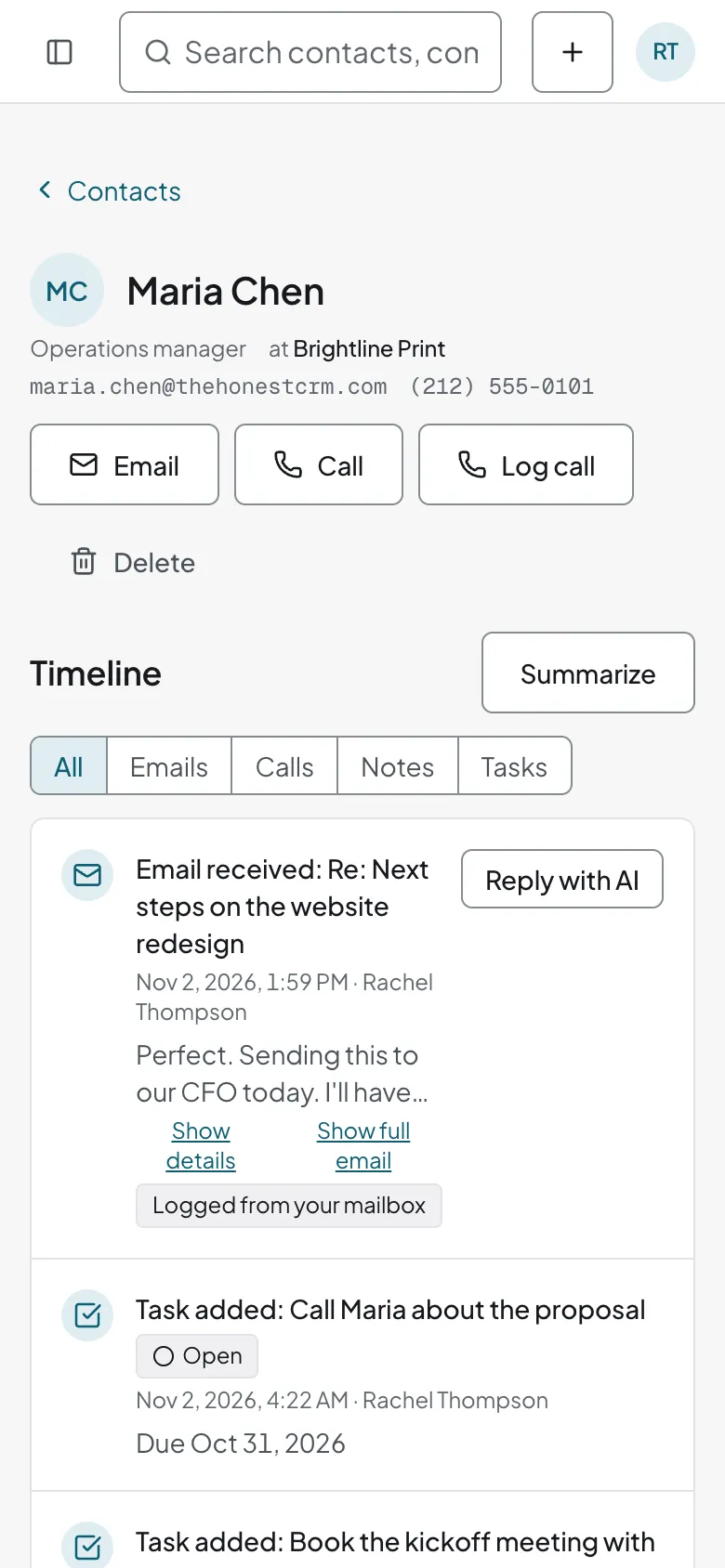
- Log email from Gmail, Google Workspace, or Microsoft 365, or by BCC and forwarding
- Export all your data to CSV and JSON
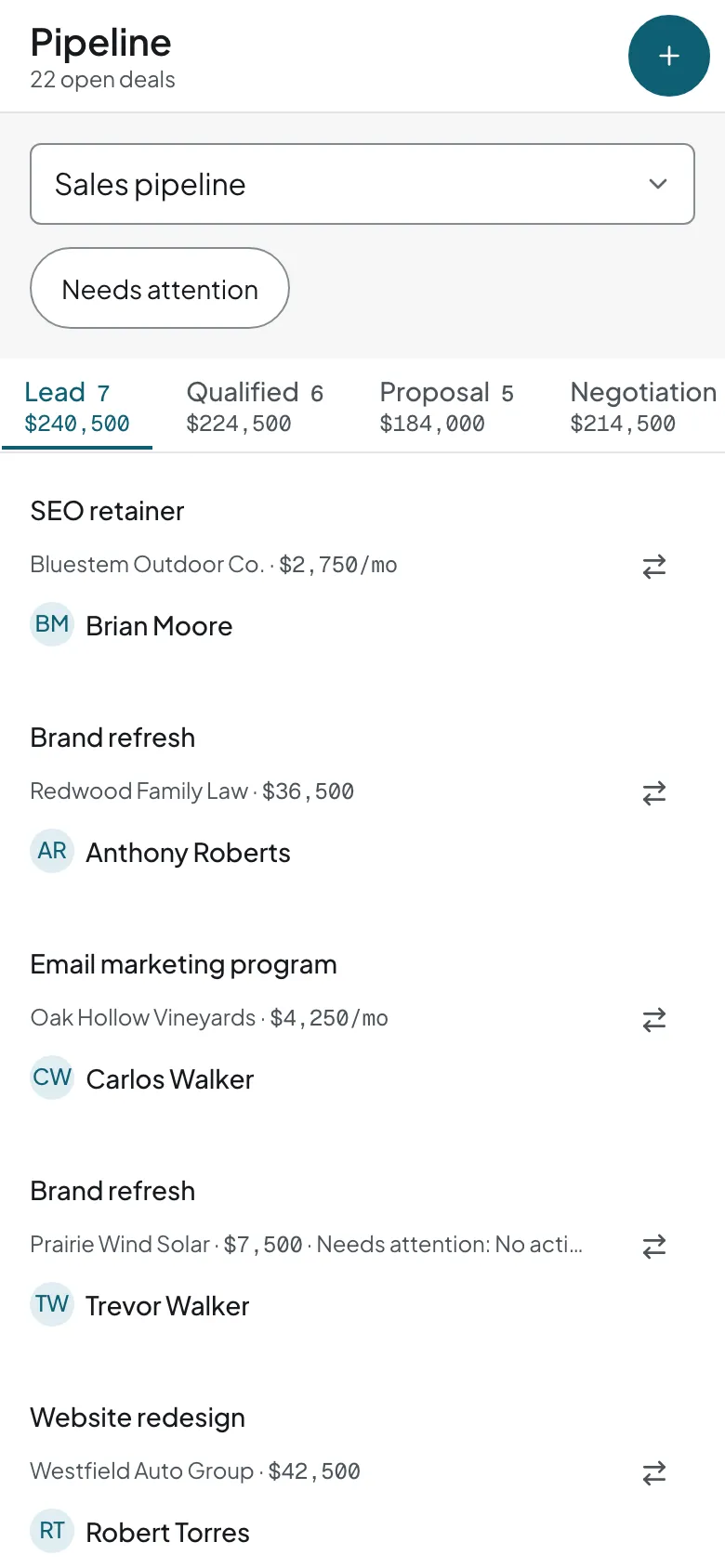
- Runs in the browser, so the same account works on a phone with nothing to install
See the full feature list, or the guides to contact management and customer databases.
Related guides
- CRM database
What the vendor's servers actually hold for you.
- CRM examples
Cloud CRM products and how small teams use them.
- Sales pipeline
The first thing most teams build once they sign up.
Cloud-based CRM questions
What is a cloud-based CRM?
A cloud-based CRM is customer relationship management software that runs on the vendor's servers and that you use through a web browser or app. You do not install it or run the servers yourself.
What is the difference between cloud-based and on-premise CRM?
An on-premise CRM runs on servers that you own and maintain. A cloud-based CRM runs on servers that the vendor maintains, and you pay a subscription. The cloud model moves setup, updates, and backups to the vendor.
How much does a cloud-based CRM cost?
Most cloud CRMs charge a monthly fee for each user. Some charge a flat price for the company. honestcrm has a Free plan with unlimited users, and Pro at $39 a month or $299 a year for the whole company.
Is a cloud-based CRM secure?
Security depends on the vendor. Ask where data is stored, how it is backed up, who can access it, and whether you can export everything. honestcrm publishes its terms, privacy, and security notes on the legal page and lets you export all data to CSV and JSON.
Can I move my data to a cloud CRM?
Yes. Most cloud CRMs import CSV files. honestcrm also reads Excel and Google Sheets files, and its presets map exports from Pipedrive, HubSpot, and Less Annoying CRM.
Try a cloud CRM that is free for everyone on your team
Unlimited users on the Free plan. No card required.
Start for free